What is a security classification banner?
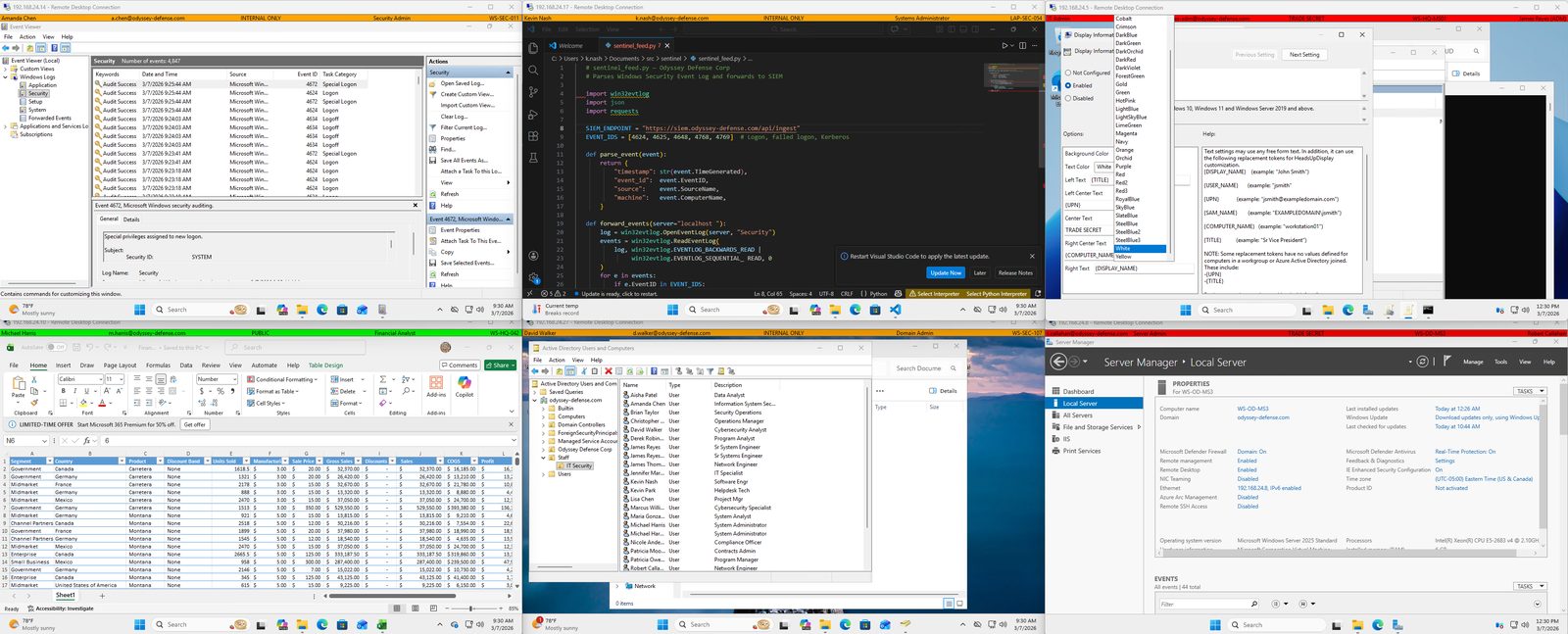
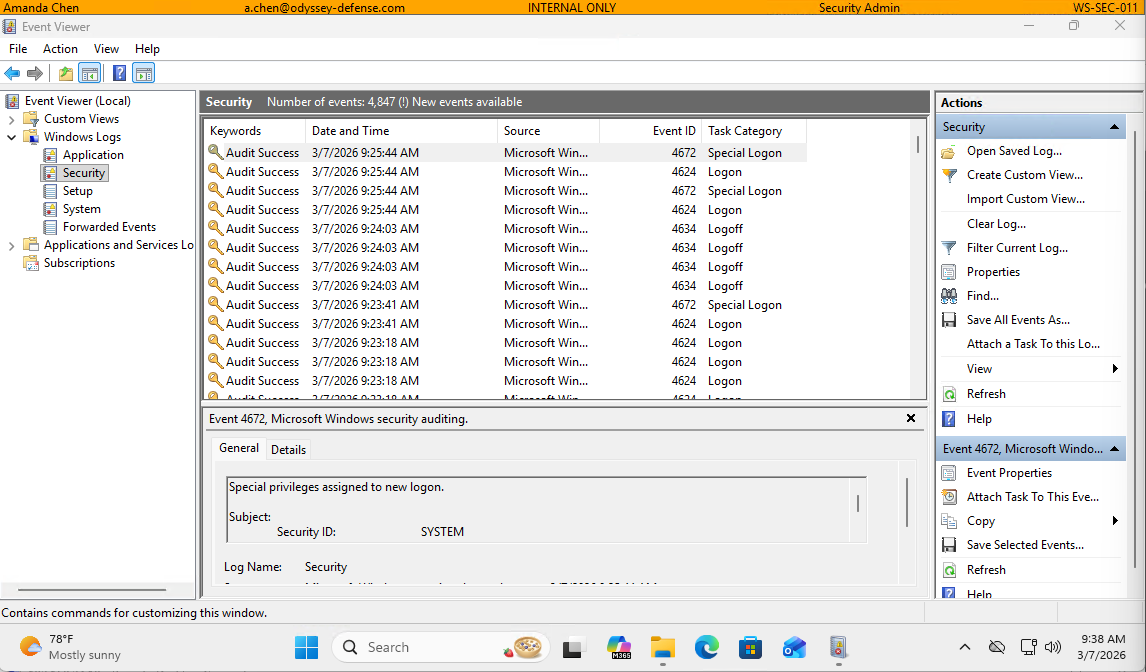
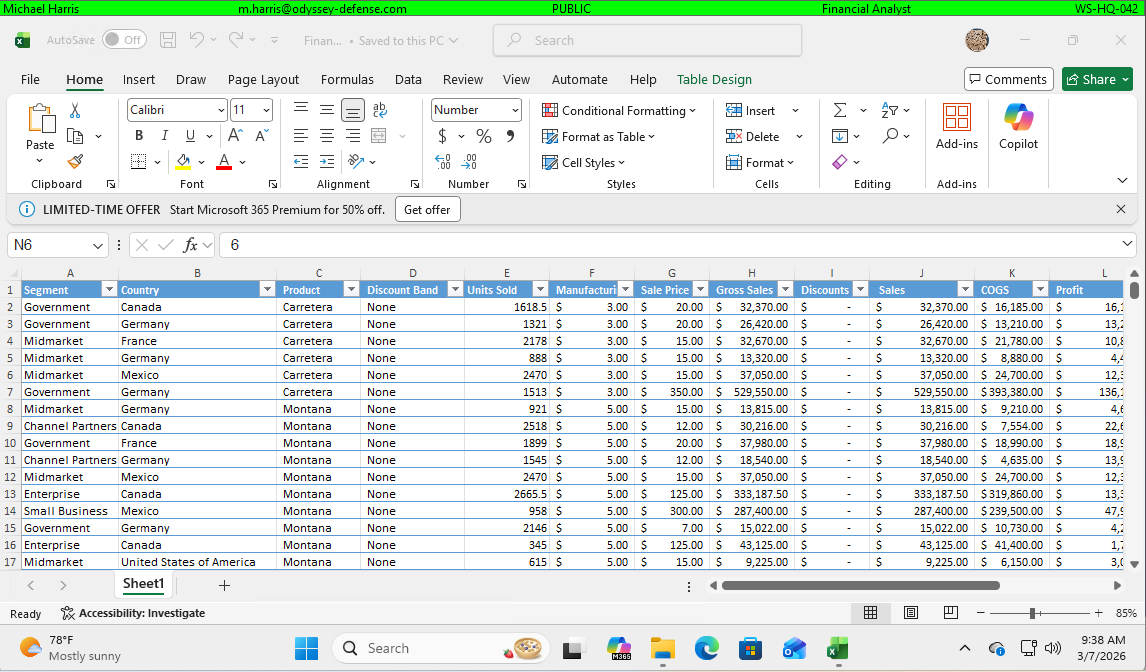
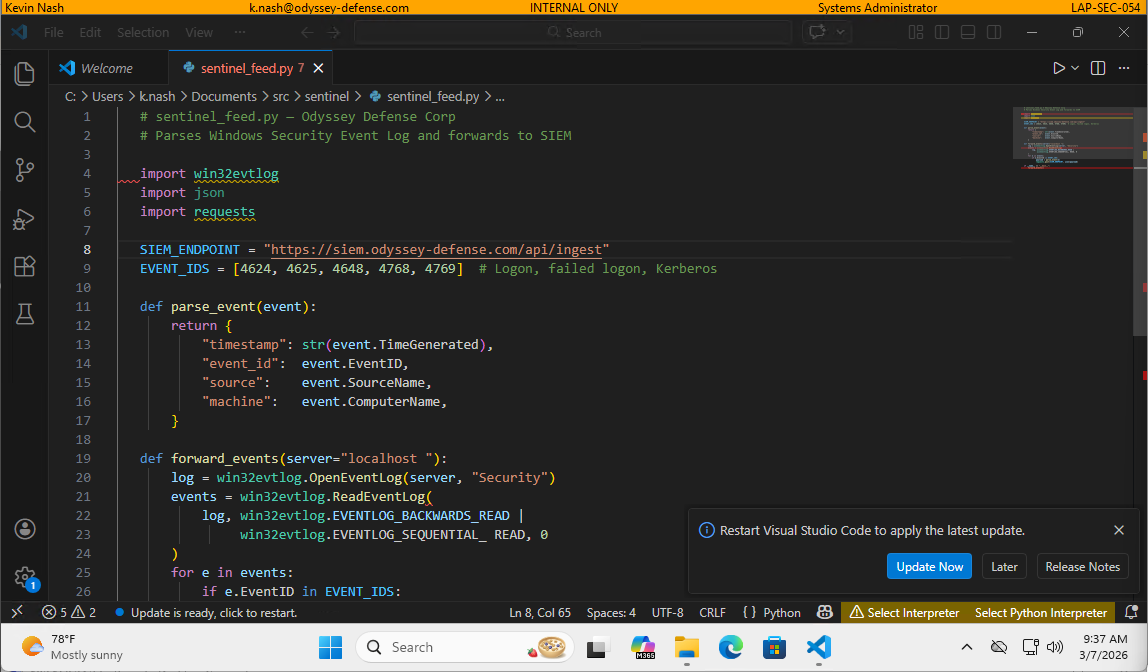
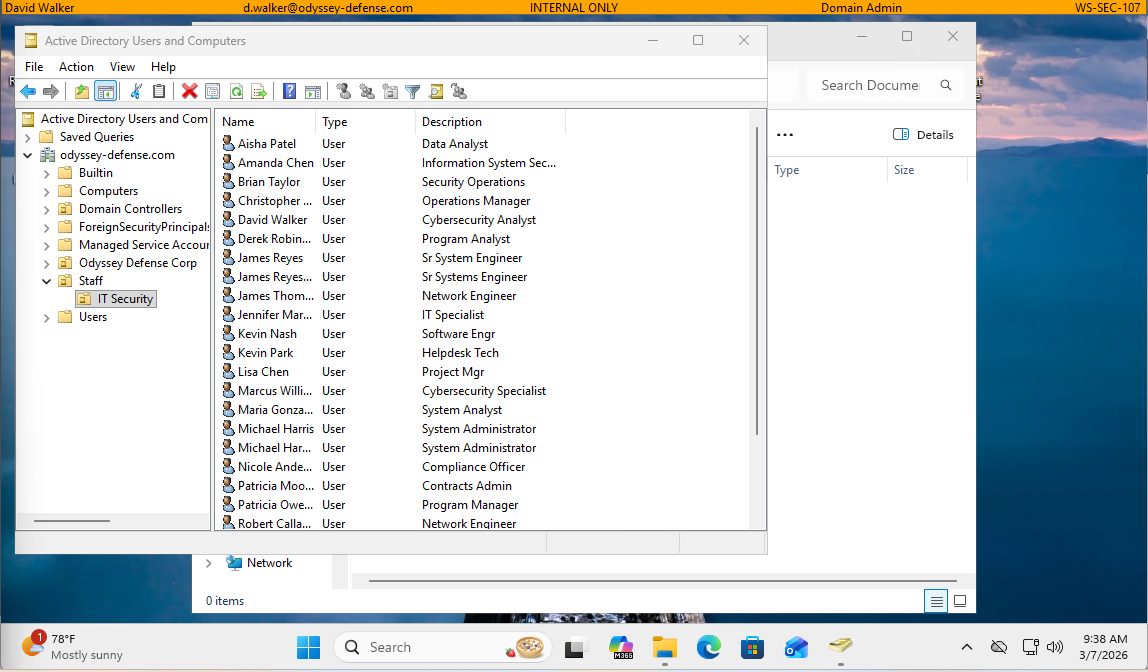
A security classification banner is a persistent on-screen indicator that displays the classification level of a workstation or the data it handles — for example, UNCLASSIFIED, CUI, or SECRET. They are required in many government, defense, and regulated enterprise environments to prevent data spillage and ensure users are always aware of the system's classification state.
Is AA-HUD a replacement for NetBanner?
Yes. AA-HUD is a modern, actively maintained replacement for legacy classification banner tools including NetBanner. It is built natively for Windows 10, Windows 11, and Windows Server 2019/2022/2025 — with full Group Policy support, Active Directory token substitution, and STIG compatibility out of the box.
Is AA-HUD STIG compliant?
AA-HUD introduces zero new STIG findings when installed on a DISA Windows 11 STIG V2R7 hardened baseline. This was verified using SCAP Compliance Checker (SCC) 5.14 with pre- and post-install scans. See the STIG Compatibility Report for full methodology and results.
Can AA-HUD be deployed via Group Policy?
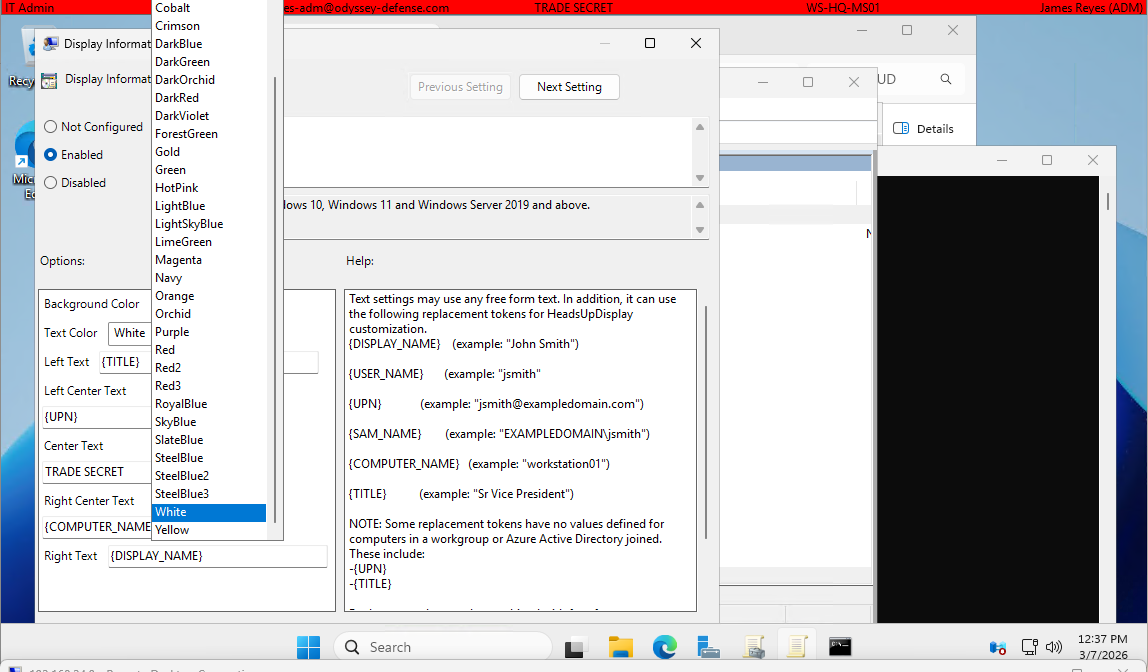
Yes — HUD Enterprise includes ADMX/ADML administrative templates for full Group Policy management. IT administrators can configure banner text, colors, Active Directory tokens, and tamper-resistance settings centrally and enforce them across the enterprise without touching individual workstations.
What Active Directory tokens are supported?
HUD Enterprise supports dynamic token substitution from Active Directory, including: {DISPLAY_NAME}, {TITLE}, {DEPARTMENT}, {COMPANY}, {SAM_ACCOUNT_NAME}, {COMPUTER_NAME}, and more. Tokens are resolved at login from your domain controller.
Does AA-HUD work on Windows Server?
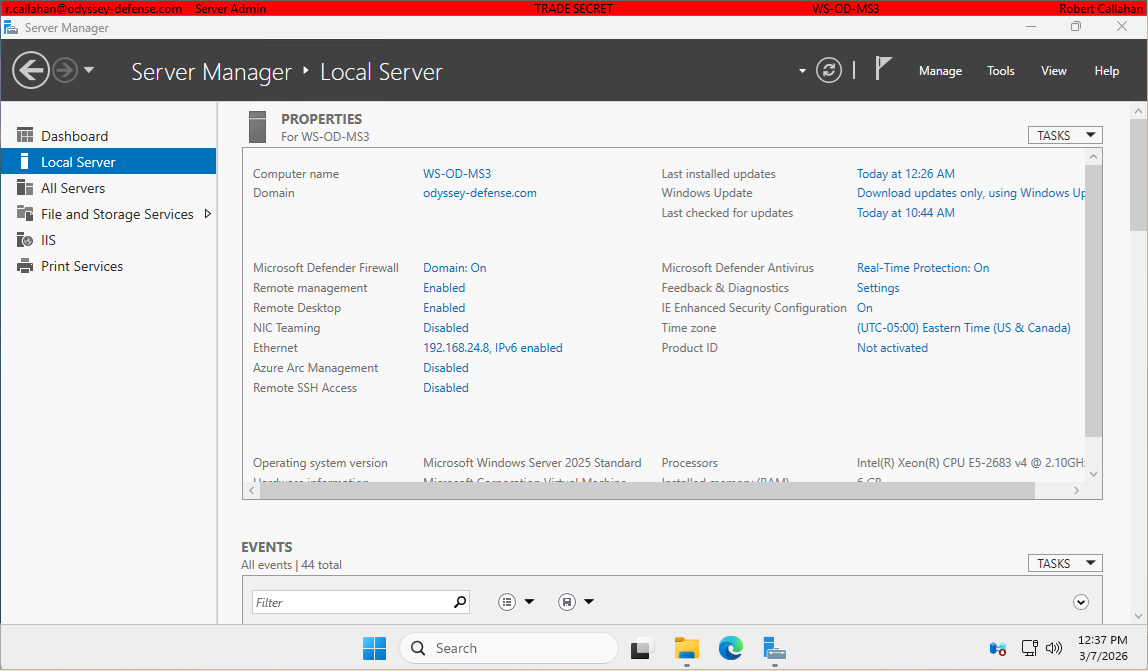
Yes. AA-HUD supports Windows Server 2019, 2022, and 2025 with Desktop Experience. Server Core is supported with reduced functionality.
Is there a free version?
Yes. HUD Personal is a free edition for individual users. It includes always-on display, multi-monitor support, and a settings dialog. It can also be installed via winget install AcaciaAve.HUD. GPO deployment and Active Directory features are exclusive to HUD Enterprise.